- Published on
- diffle--
diffle: A Diff Viewer for Human Code Review
diffle opens your branch’s diff in the browser. It adds Vim-style navigation, hover and go-to-definition from your local language servers, and line comments you can copy into a coding agent as one prompt. My friend Moritz and I built it because agents now write most of our code, and reviewing that code is where our time goes.
Why we built it
Coding agents have gotten good at producing a lot of code. As of September 2026, their design choices and the code’s long-term maintainability don’t always hit the mark. We think developers should still be in charge when writing high-stakes software. With coding agents, that can mean reviewing the generated interfaces and how components work together before merging a diff.
That changes where we spend our time. We used to spend most of it in IDEs we’d spent countless hours customizing to make writing code feel smooth. Today, we generate most of our code through agent interfaces such as Claude Code or Codex. These work well for generating code, but most don’t offer a good interface for reviewing it.
Claude and Codex recently added features for viewing and commenting on diffs. That’s better than reviewing code in a chat window.
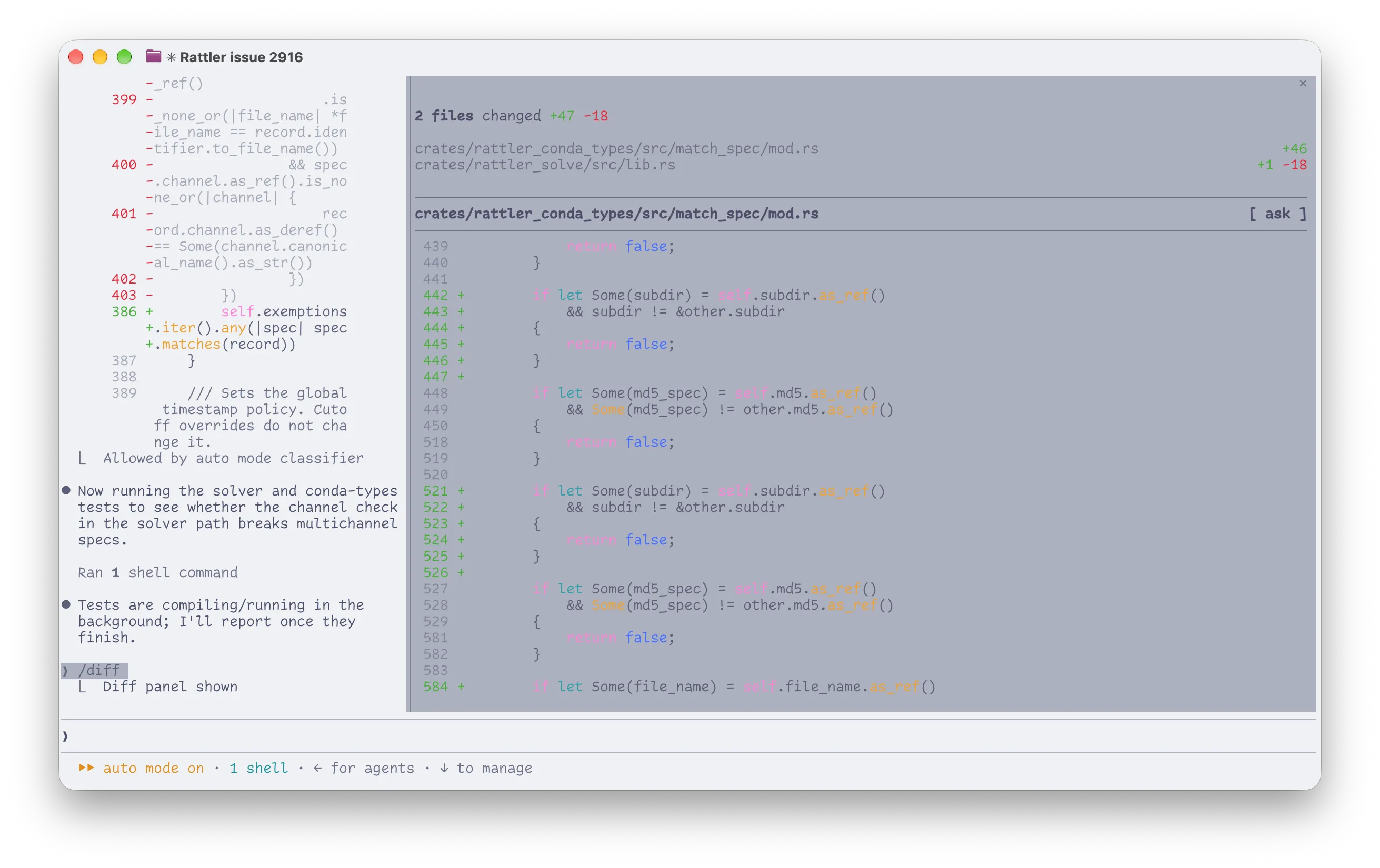
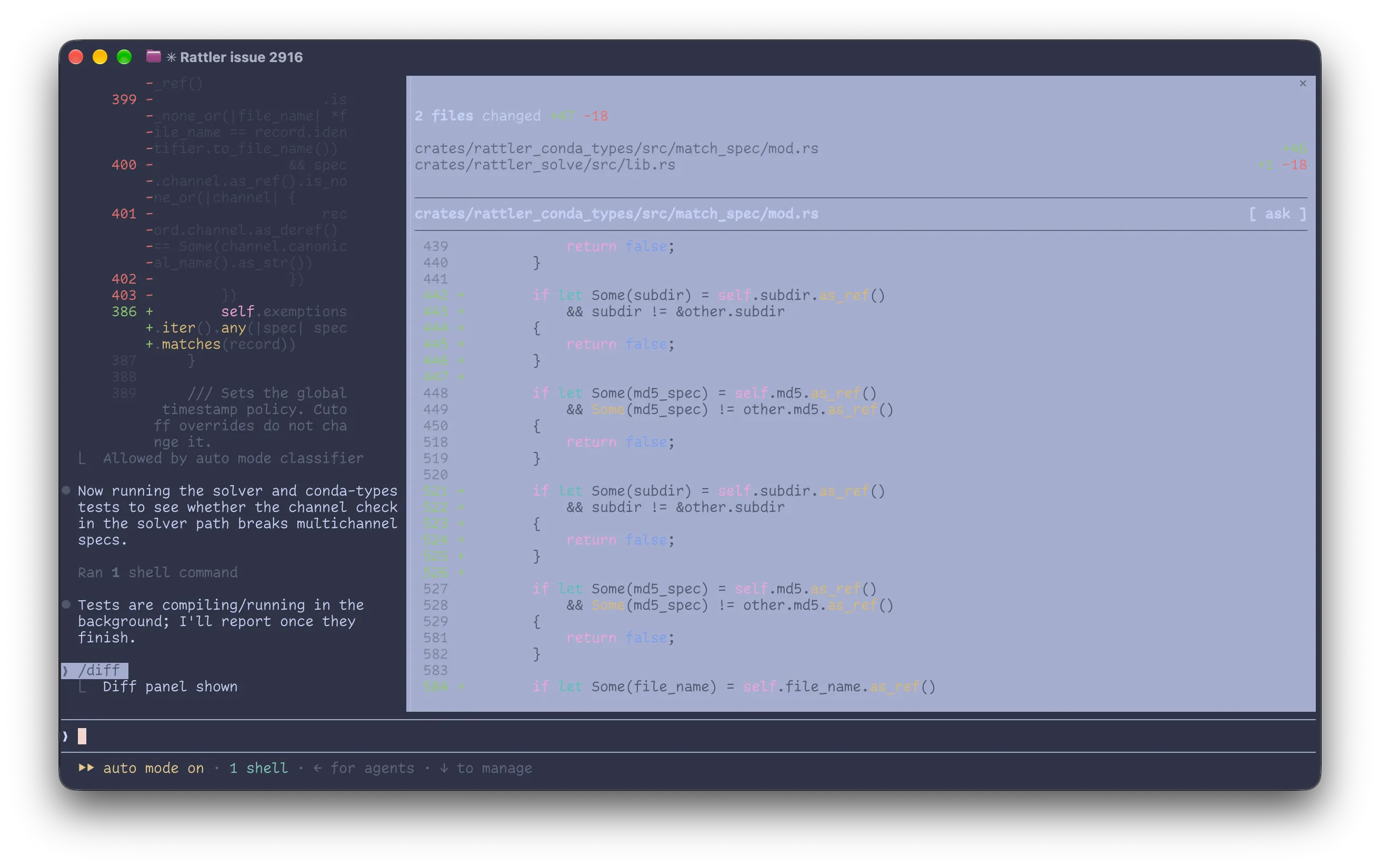
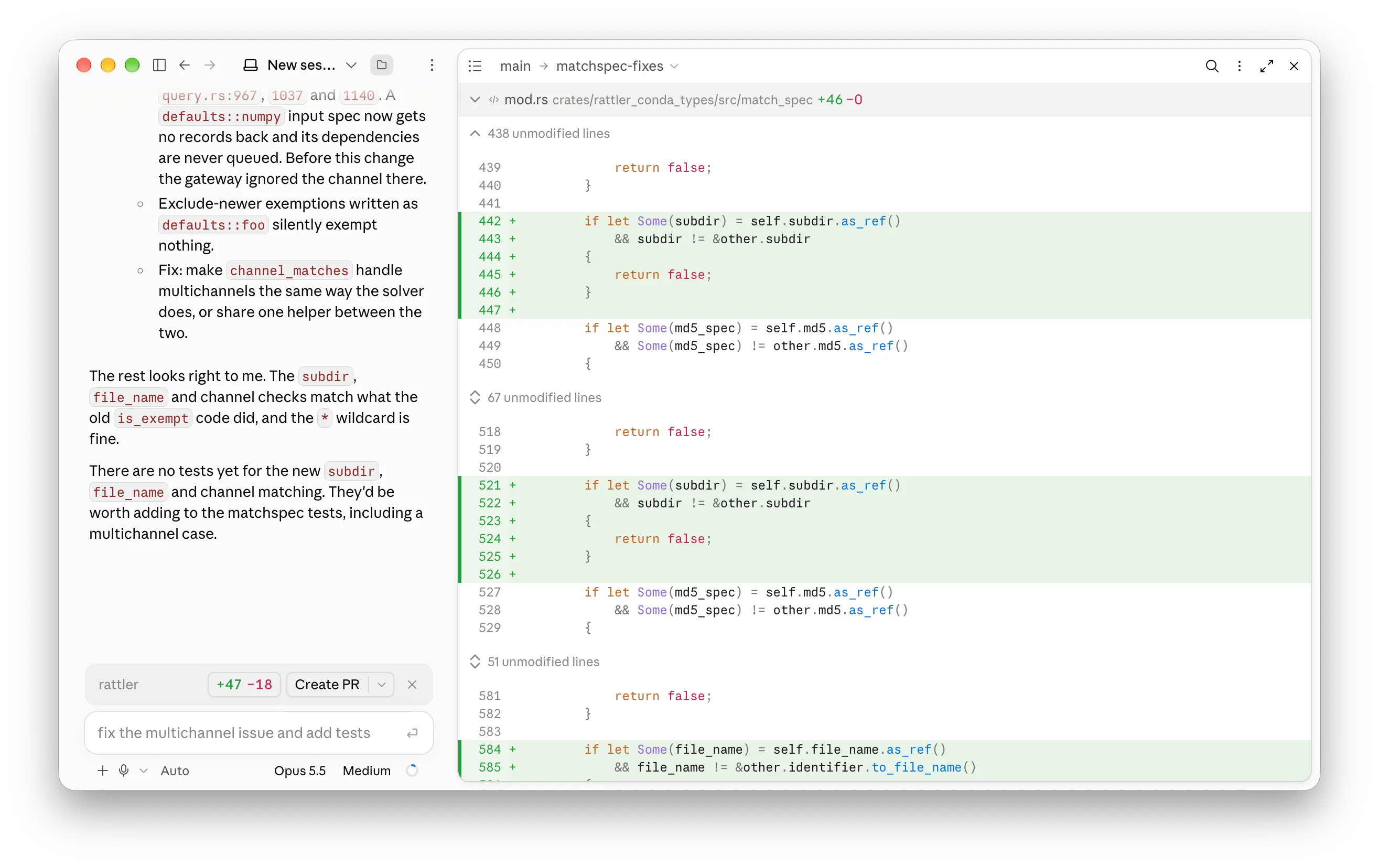
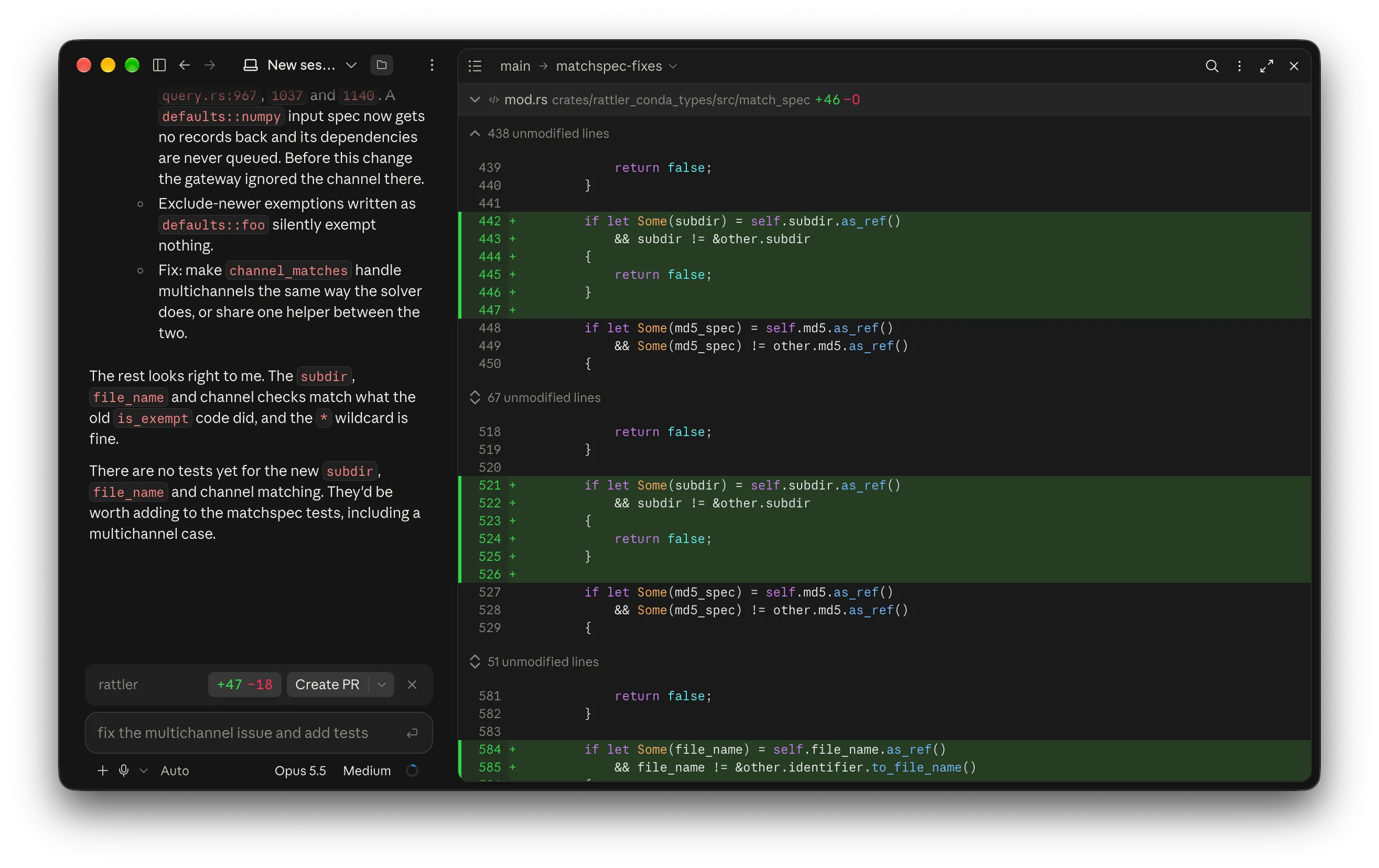
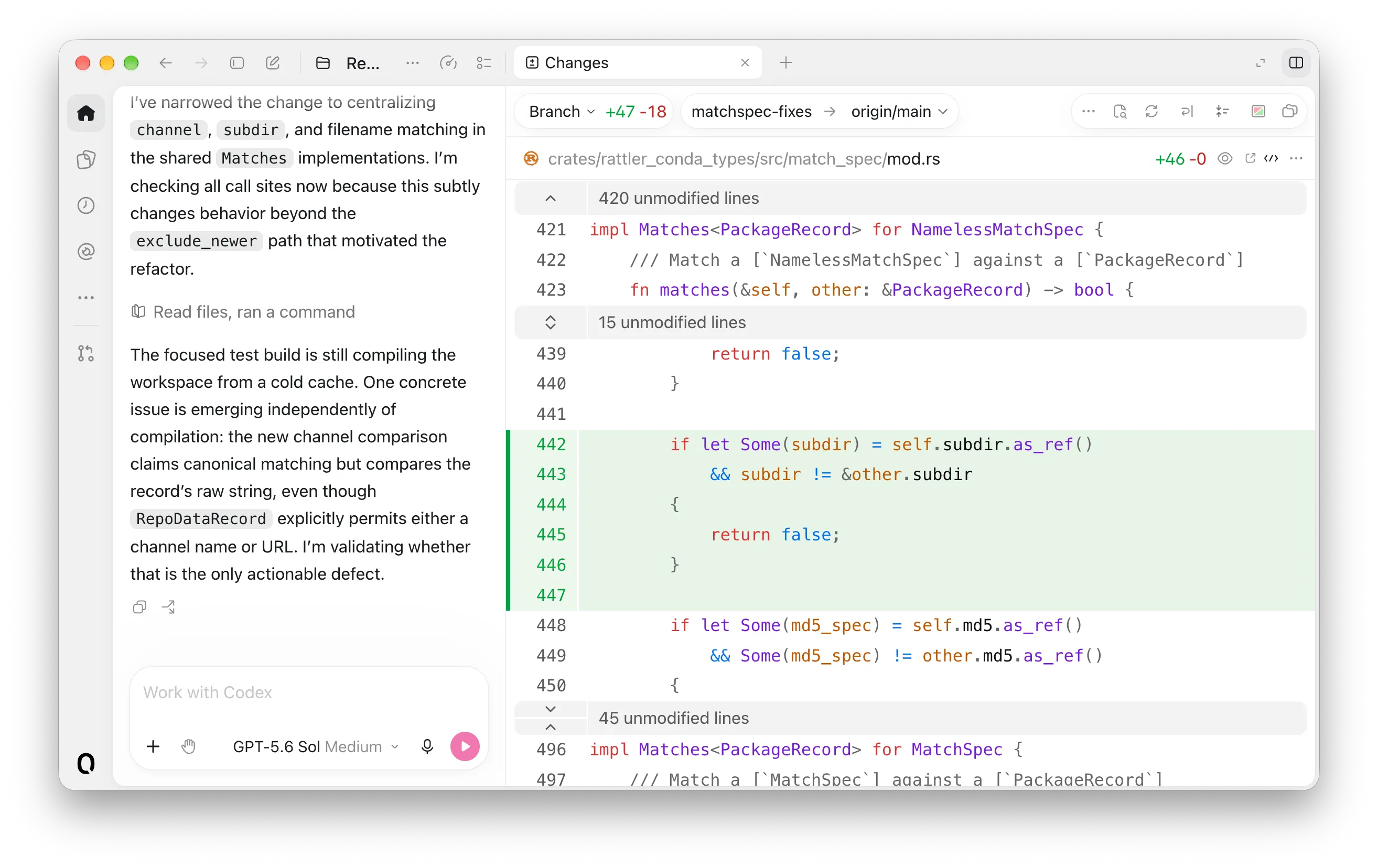
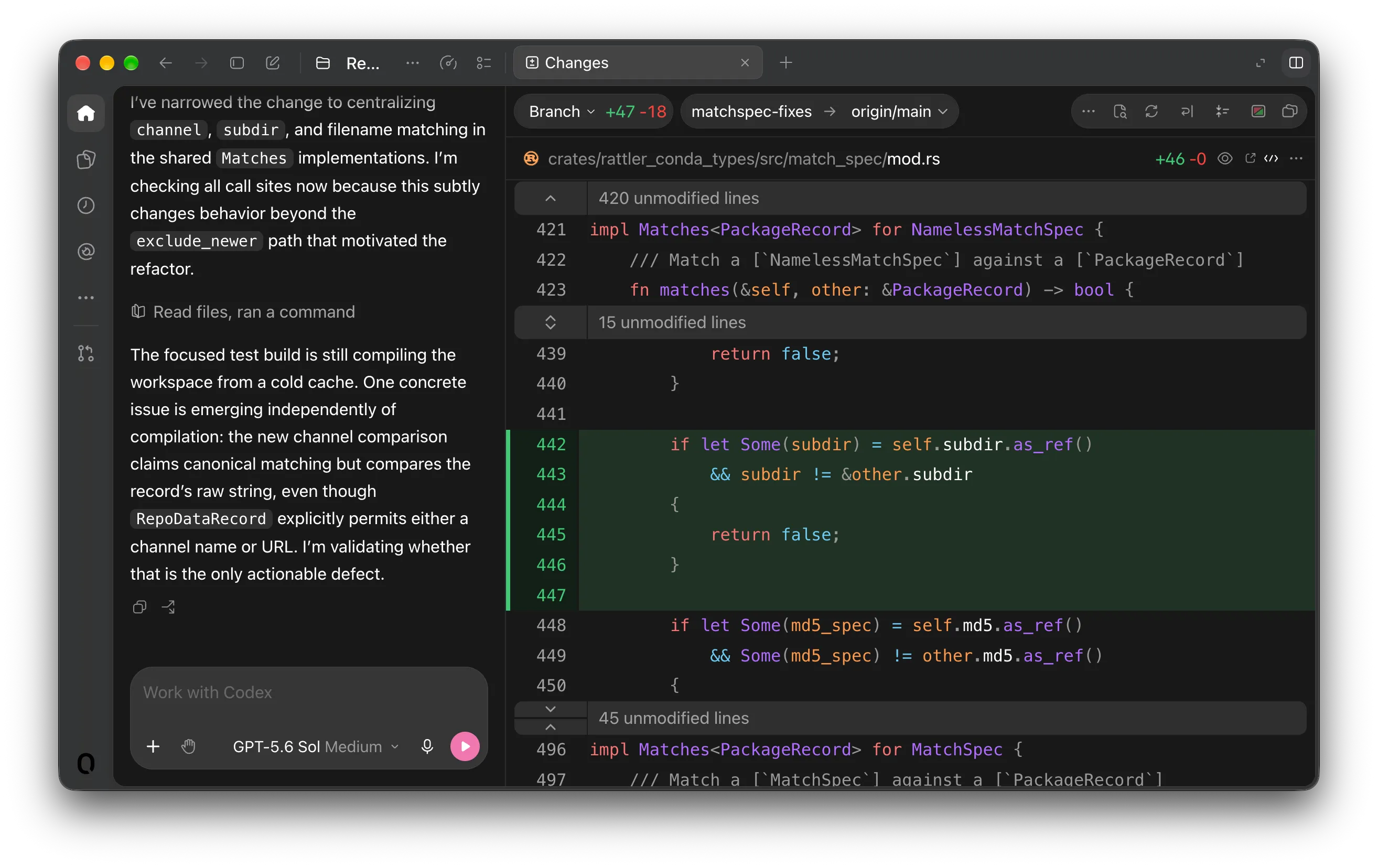
But reviewing code also takes context and an interface that makes it easy to move through the changes. IDEs have long been good at this. We just don’t want to launch a full IDE every time we want to review a diff.
So we built diffle, a diff viewer designed around human code review.
Why another diff viewer?
“Wait, doesn’t this already exist?” Yes, there are plenty of diff viewers. Some popular options include:
Terminal interfaces (TUIs)
hunk, tuicr, lumen, diffnav, revdiff
Web viewers
difit, codiff, critique, diffx
Git clients
GitHub Desktop, GitButler, Sublime Merge, GitKraken, github.com PR view (if it isn’t down again)
We look for three things in a diff tool:
- An interface built for reviewing code, much as IDEs are built for writing and debugging it.
- Context that helps us understand and judge changes, such as type information from a language server and navigation between commits or revisions.
- Comments tied to specific parts of the code, so we can give a coding agent feedback and iterate together.
Of these tools, difit comes closest to what we need. It’s lightweight, runs locally, and checks a lot of boxes. We also like TUIs for their keyboard-focused workflow, but a modern web browser provides more flexibility to design an interface around human code review. But difit gives reviewers limited context, much like GitHub’s pull request view. Then we came across diffshub.com by The Pierre Computer Company and thought to ourselves: What if our local diff viewer felt just as snappy and polished?
How diffle works
We built our first local diff viewer with Diffs, the open-source components from The Pierre Computer Company. We used it for our own work from day one and quickly added the features we wanted, starting with Vim-like keyboard navigation and LSP support.
Run diffle main in a repository and your browser opens on the changes your branch introduced. You can also review uncommitted work, a single commit, or a GitHub pull request. For a branch with several commits, you can step through them individually and return to the full comparison.
Once the diff is open, you can move between lines, hunks, and files with Vim-style shortcuts, filter the file tree, and mark files as viewed.
But reading the changed lines is only part of a review. To judge a new function call, we often need to see what it calls and who else uses it. diffle uses language servers installed on your machine to bring that context into the diff. Hover a symbol for its signature and documentation, jump to its definition, or find its references. You can peek at each reference with the surrounding code before deciding where to go next.
When you find something to change, leave a comment on a line, a block, or the whole file. Press yy to copy all your comments as one Markdown prompt, with the file paths, line ranges, and quoted code. Paste it into your coding agent, and it gets each comment with the code it refers to. No more “pls fix this one nullable arg in the run_something method in the domain layer”.
You can try it in any Git repository:
# npm
npx @moritzwilksch/diffle main...HEAD
# conda-forge
pixi exec diffle main...HEAD
# nix
nix run github:moritzwilksch/diffle -- main...HEAD
The code is on GitHub, with more demos and installation options at diffle.app.